
Get the app
Kyonote is a free download on iPhone and Android. Sign in and you're straight in — no waitlist, no codes.
Downloading the app
Kyonote runs on iOS and Android. Both versions are kept in sync and ship the same features.
- iOS — Download from the App Store (link coming soon)
- Android — Download from Google Play (link coming soon)
Signing in
When you open Kyonote for the first time, you'll see a quick sign-in screen. Choose a method and you go straight into the app — there's nothing to fill out and nothing to wait for.
The name you sign in with is how Kyonote addresses you, and you can change it later in Settings.
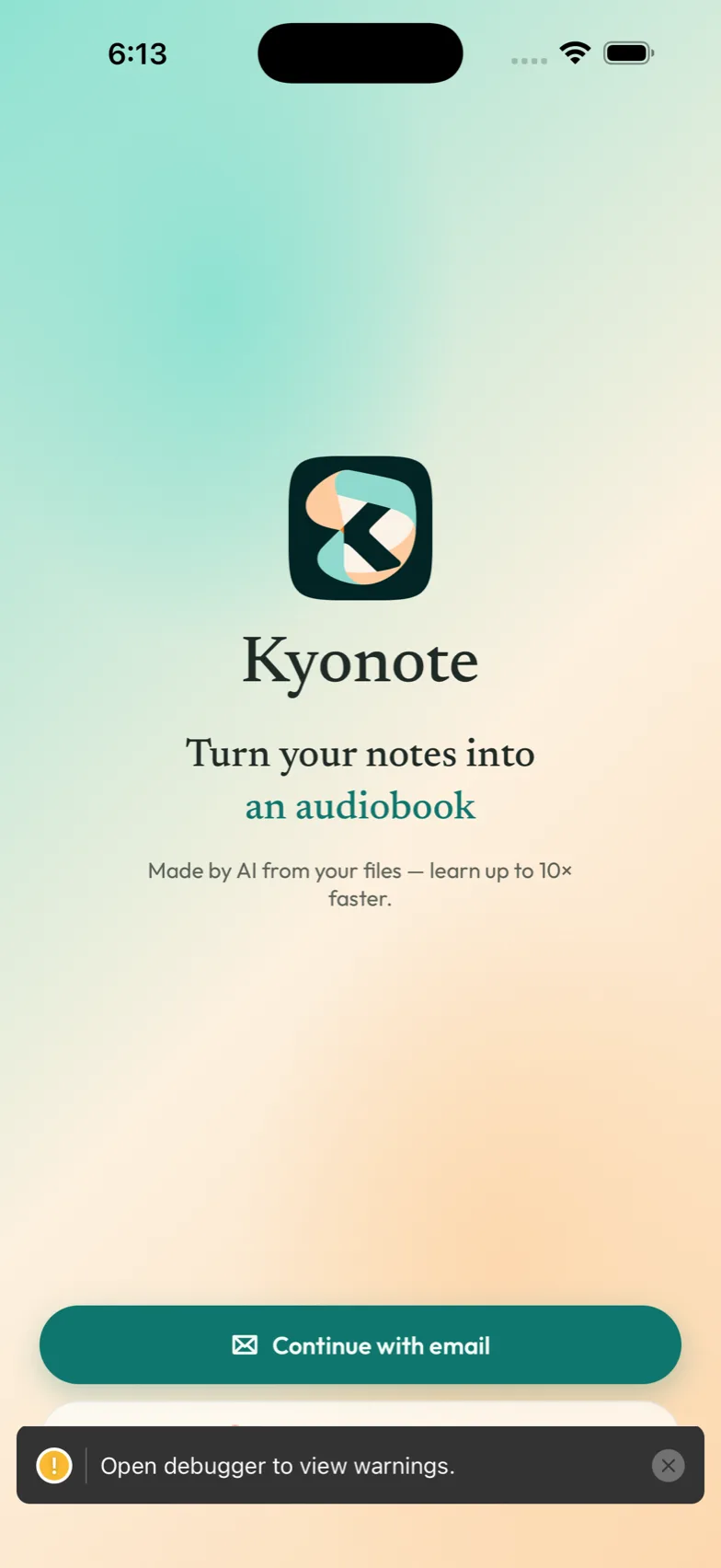
First thing you'll see
After signing in, you land on your home screen. If it's a fresh account, it's empty on purpose — your first move is to make a notebook.
Head to Make your first notebook and you'll have a podcast playing in about a minute.
Permissions you'll be asked for
Kyonote asks for system permissions only when it needs them, and each prompt comes with the reason it's needed.
- Notifications — so Kyonote can tell you when a podcast or quiz is ready. You can change this later in your phone's Settings.
- Files — when you add a PDF, your phone asks permission to read the file you pick. Kyonote only sees the files you choose.
If you decline a permission, the related feature pauses until you grant it. Nothing else stops working.
Next steps
- Make your first notebook — create a notebook, add a file, and make something.
- Notebooks — how to organize a notebook per subject.
Kyonote guide
Learn how to use Kyonote — turn your notes and PDFs into a two-host podcast, an audiobook, flashcards, a quiz, and a mock exam, and study in whatever format fits the moment.
Make your first notebook
Create your first notebook, add a file, and make your first podcast — it takes about a minute.