
Kyonote guide
Welcome to Kyonote. This guide covers how to get your notes in, what Kyonote makes from them, and how to get the most out of each tool.
Kyonote is a study app: you drop your notes and PDFs into a notebook, and Kyonote turns them into a two-host podcast, a listen/audiobook (your notes read aloud), a deck of flashcards, a short quiz, and a mock exam — so you can study in whatever format fits the moment.
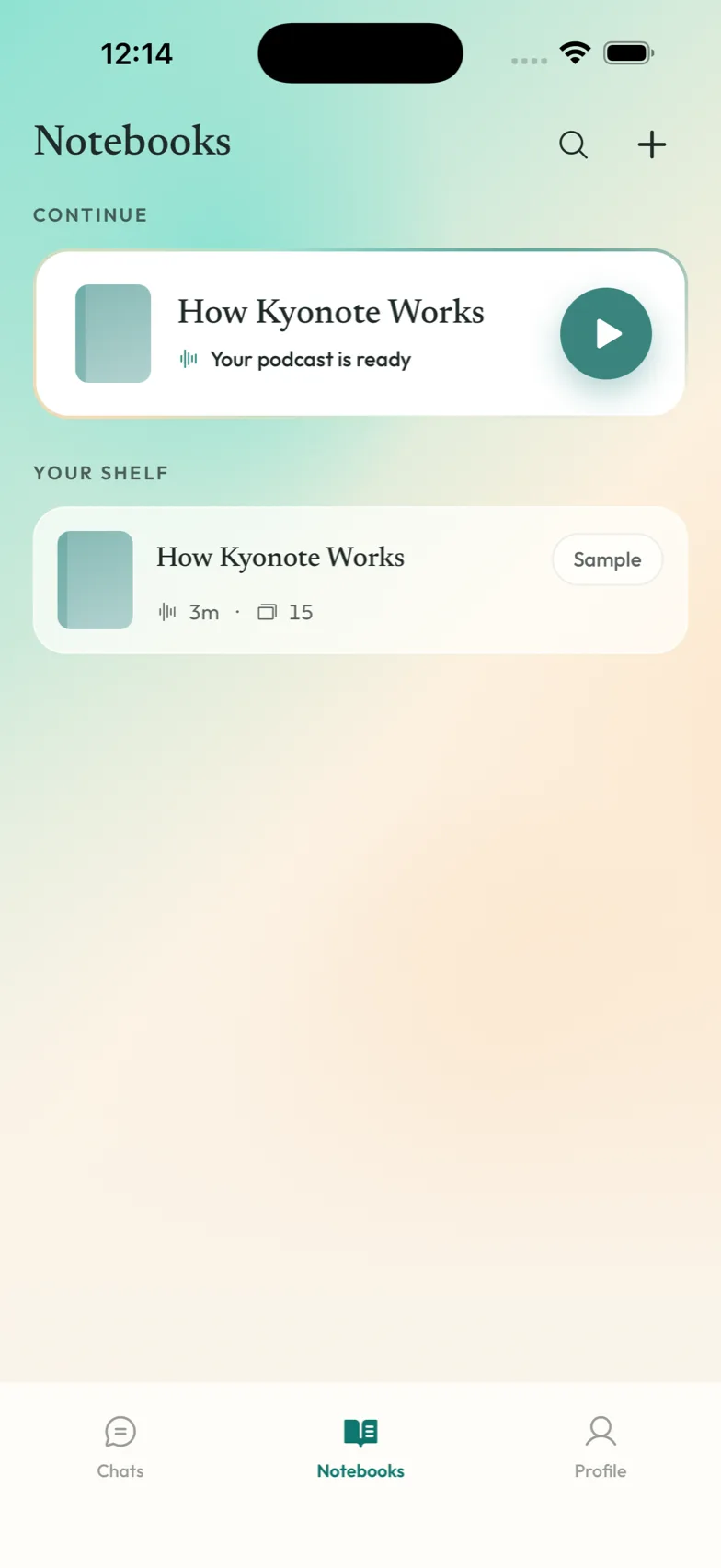
The short version
- Make a notebook for a subject.
- Drop in your PDFs and notes.
- Pick what you want: a podcast, a listen, flashcards, a quiz, or a mock exam.
- Study on your phone, wherever you are.
Start here
If you're new, these two pages get you running in a couple of minutes:
- Get the app — download Kyonote and sign in.
- Make your first notebook — create a notebook, add a file, and make your first podcast.
Your notebooks
A notebook is one subject or one course. Everything you study lives inside one.
- Notebooks — what a notebook is and how to organize them.
- Add files — bring in PDFs and your own typed or pasted notes.
Study tools
Kyonote makes five things from a notebook. Each is good for a different moment.
- Study tools — which one to reach for, and when.
- Podcasts — two hosts talk through your material.
- Reader / Listen — your notes read aloud; listen like an audiobook or follow the highlighted words.
- Flashcards — a deck built from your files for active recall.
- Quizzes — a short quiz to find the gaps before an exam does.
- Mock exams — a full practice test from a whole notebook, to rehearse the real thing.
Account
- Plans & billing — what's free and what Pro adds.
- Privacy & your data — your notes are yours, and how to remove them.
- Settings — your name, sign out, and managing your account.